
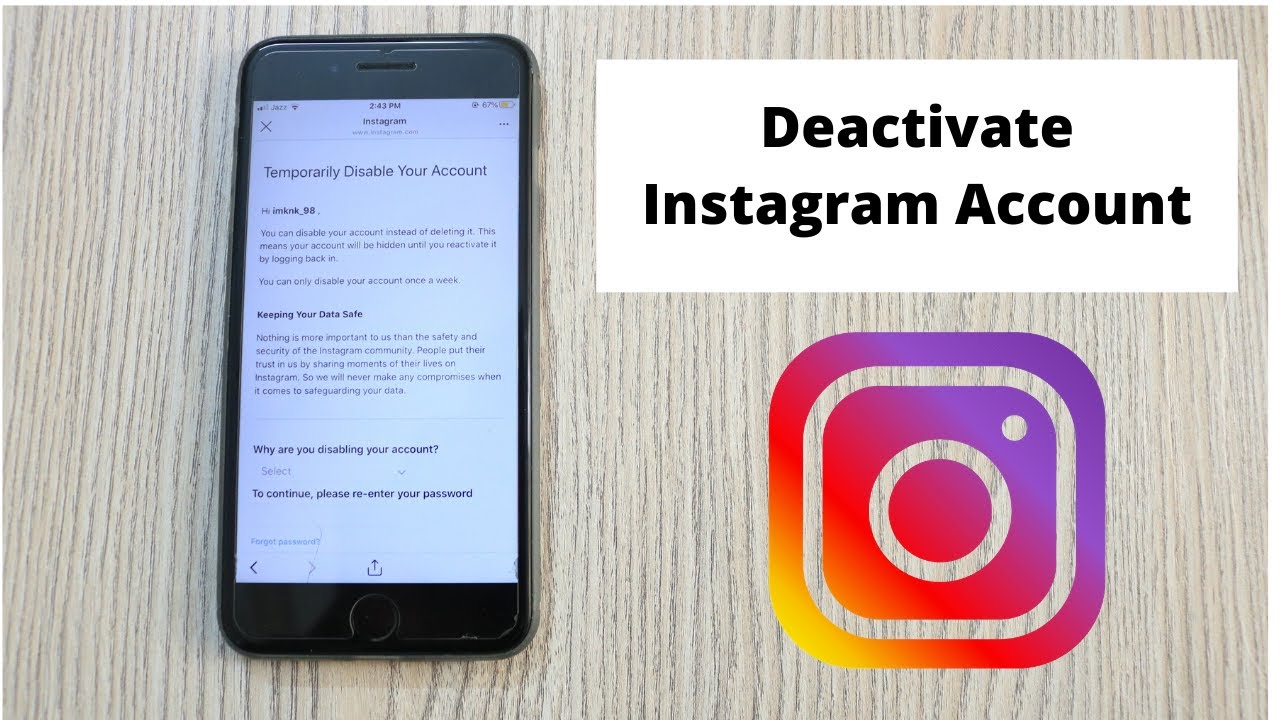
Instagram allows you to always stay in touch with people, organizations and events of your interest. Another side of the coin, increasingly felt by users, is its intrusiveness concerning our private life. Therefore the need arises, sometimes very strong, to temporarily distance himself from his account, both for a real digital detox and for the need to focus on other activities in a certain period of our life. This article will explain how to temporarily disable Instagram, guiding you step by step, whether you want to do it from your smartphone or your PC.
The developers of Instagram, in order not to permanently lose their users, have made available the possibility of temporarily deactivating the account without deleting it: it is as if, for a certain period, our account (including photos and “likes”) was hibernated and inaccessible, but always ready to return to perfect activity when it is in our interest to reactivate it.
How to temporarily disable Instagram?
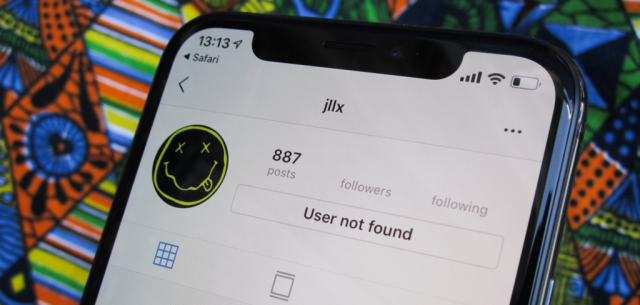
The Instagram developers did not consider it necessary to enter the deactivation command directly within the application. You will need to directly access the web interface of the social network, connecting to the instagram.com address, where you will have to enter your credentials to log in (the same ones you use to access the application).
You may like the equalizer 3.
Once you have logged into our account, in the next paragraphs, I will explain how to temporarily disable Instagram, via browser, both from a computer and from a mobile phone: the result will be identical in both cases, only a few steps to follow the change. Remember, in any case, that you can deactivate and reactivate Instagram only once a week.
Deactivate Instagram from a browser on mobile
If you are operating from a browser on your smartphone, connected to the Instagram page, login and then follow these steps:
- click at the bottom right on your photo to access your profile page;
- On your profile page, now click on the “Edit profile” button;
- now scroll down, where you will find the item “Temporarily disable my account “. Click on it.
In the screen that opens, select an item in the “Why are you deactivating your account” box and re-enter your password. Finally, click on “Temporarily disable the account” and then on “Yes” to confirm.
For the operation to be effective, it takes a few minutes from Instagram. None of your contacts will receive any notification about this operation, but someone may notice that your profile is disabled if they search for you specifically.
Deactivate Instagram from a browser on PC
Instagram’s interface on PC is slightly different. After connecting to the official page and logging in, you must:
- Click on your profile photo at the top right and in the menu that opens, click on “Settings”;
- Instagram PCThis below is the screen you will find after clicking settings on the Instagram web page.
Click on the item “Edit profile” and scroll down: you will find the item “Temporarily disable my account” to temporarily disable the Instagram account.
Tags: Instagram

Leave a Reply