
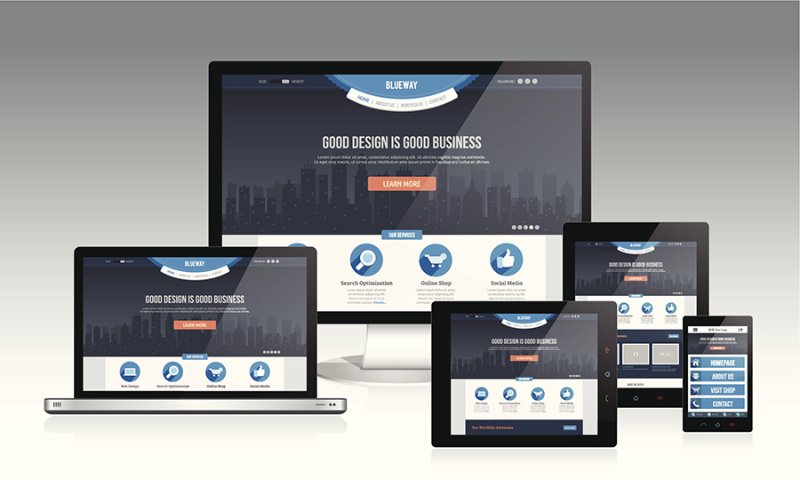
It is almost certain that once we have faced design a website. Our profession cannot have anything to do with graphic design, but the downside of facing a blank page with creation itself is, at least, unavoidable for any of those who get involved in the Network. How do we make our or our site, it is attractive, seller, fast down, attractive, and more attractive? Well, basically, everything is test, test, and test: wrong, be curious and take advantage of the network to see examples of good web designs and seek to follow these examples is the best thing you can do. There is a problem, that requires time and our pages should be completed tomorrow!
What then?
Well here are a few tips, tricks, and basic “laws” that we can be very useful, whether he is a graphic designer as bold, or harassed by circumstances. Here we go:
1- Do it all simpler: The power of good design is in its simplicity. Define the essence
1.2-Do it all simpler: Part 2: When your final design seems too simple for the amount of time dedicated to him, VOILA! His work is now ready.
2- Get out your inner world. Contact learns to communicate and collaborate with all members of the key web professions: programming, marketing, commercial.
3- Less glamour and order: Do not look seduced by the way at the expense of content. A web design committed to the content contributes more than one that makes prevail forms
4- Design for connections via modem: The most important thing to consider aesthetic consideration is the speed of transmission. If your work takes too long to get off, leave everything aside and go back to paper and pencil
5- Texts: When you touch diagramming texts, READ THEM FIRST. Think about how someone with less interest than you, could take a look. Another thing that is helpful is the width of the texts. Often there are websites with their texts running from end to end of the page. How can you read that? Better try their texts are kept in a width of 400 pixels, or at least one third of the screen.
6- More color and graphics, fewer images and effects: The line art, vector shapes and color plane carrying wonders with the web. To be clear, if your designs use more Freehand Photoshop is sure that your page will load much faster.
7- Text and graphics: no, never, insert text into a graphic. Text is text. The graphics are graphics. Do not confuse them.
8- Draw: With fluctuations in the connections to the web, its character as “slow” and other affectations, you have 3 seconds to convince a user to not use the browser’s Back button. THREE SECONDS. Then, put all their efforts so that what you want to display on a website appear immediately, and interesting way.
9- Draw-simplify-go that matters: You have 30 seconds to load a page ALL in the user’s browser. Perhaps least 15 secs. BE FAST!
10- Focus on what matters: Users do not care at all how it works and browsing within your site, just arrived there for the content. Give them quickly and simple.
You may also like to read another article on Web-Build: Tips for creating a quality website
11- Know-learn: Keep abreast of new technologies. The web never stands still, so spend his free time that is new. Has passed the time when the biggest fish ate the smallest, it is now the faster you eat the SLOWER.
12- Define your problem: The design is about solving problems, face a question of communication with a target. Define what is yours and you have half the problem solved.
13- Learn the principles of navigation:
- People hate waiting
- People hate scrolling
- People hate reading
- Scrolling People prefer to wait before
- People prefer to wait to read.
- People are not necessarily rational or consistent, but sometimes yes.
14- Look for inspiration: Talk to people who are outside their scope. Architects, for example, can give a completely new web design perspective, perhaps they can change their way of imagining how a site is conceptualized, transforming web pages “web space.”
15- Listen to music: If, when music accompanies their work this becomes more pleasant and bearable. It even generates more inspiration.
Tags: 15 Tips, Web Design
Leave a Reply